Steam Deck & Linux guide
How to extract fefw-recomp-0.1.7-linux-x64.tar.gz, run fefw-launcher.AppImage in Desktop Mode, and use Add to Steam for Steam Deck Game Mode.
- Package: fefw-recomp-0.1.7-linux-x64.tar.gz
- Size: 298.0 MB
- Launcher: Native AppImage
- Runtime: Proton / umu-run / Wine
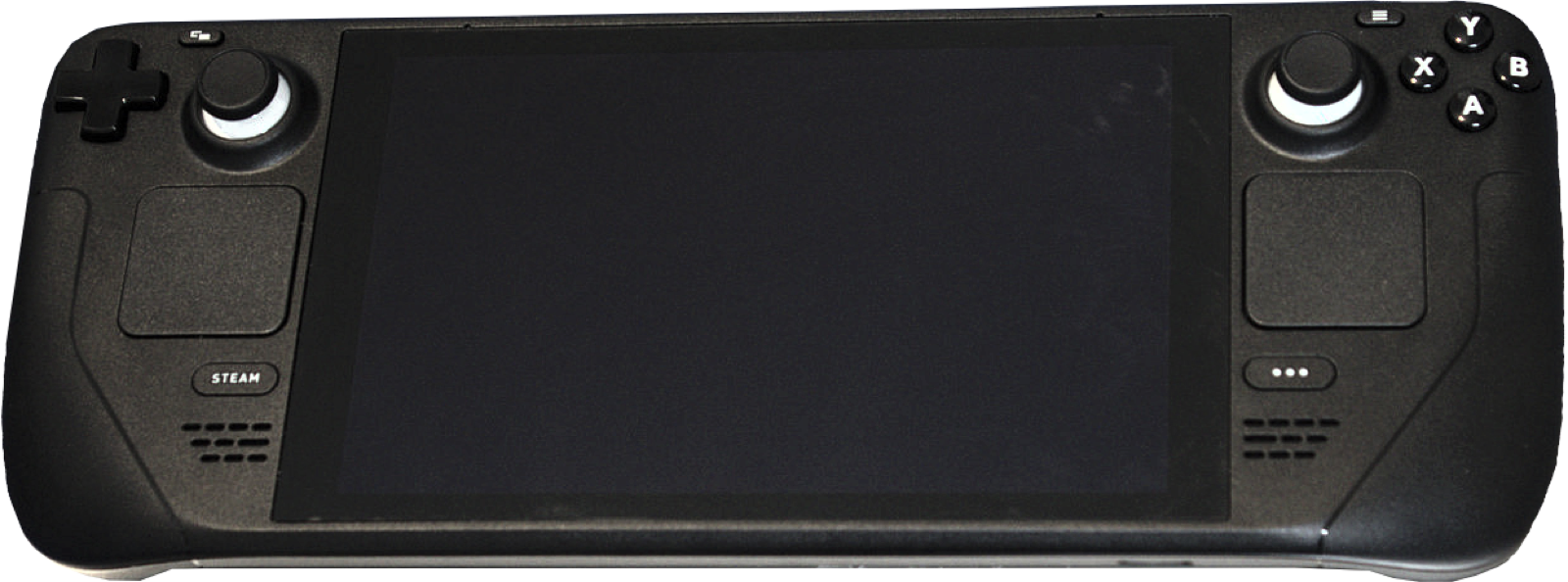
Linux & Steam Deck (v0.1.7)
Introduced in v0.1.7 (#30, #87, #65), fefw-recomp-0.1.7-linux-x64.tar.gz (298.0 MB) provides a native Linux launcher (fefw-launcher.AppImage) that unpacks your dump, compiles fefw.exe natively on Linux, and runs the compiled executable through Steam Proton, umu-launcher (umu-run), or Wine. It also fixes the earlier Steam Deck bug where frames stopped updating after loading screens (#65).
Steam Deck setup steps
- On a Steam Deck, switch to Desktop Mode and make sure you have at least 30 GB of free space alongside your update 131072 dump.
- Download
fefw-recomp-0.1.7-linux-x64.tar.gz(298.0 MB) from Download & SHA-256 and extract the tarball to its own folder:tar -xzf fefw-recomp-0.1.7-linux-x64.tar.gz cd fefw-recomp-0.1.7 chmod +x fefw-launcher.AppImage ./fefw-launcher.AppImage - Open the Setup tab, select your decrypted update 131072 dump folder (
exefs/+romfs/,base/+updates/, or.nup), and click Set up. Keep your Steam Deck plugged into AC power while Zig compiles the binary and translates shaders. - Once setup finishes, go to the Play page in the launcher and click Add to Steam.
- Return to Steam Deck Game Mode and launch the game directly from your Steam Library.
Updates & Linux tips
- Always run Set up in Desktop Mode after an update: when a new release updates the runtime or shader translator, open
fefw-launcher.AppImagein Desktop Mode and run Set up once before starting the shortcut from Steam Game Mode. - Proton / umu-run detection (#134): starting Play directly inside the Linux launcher requires Steam with a Proton build installed,
umu-run, or Wine in yourPATH. If launching from the AppImage exits with code 127 (#134), use the Add to Steam button and start the game from the Steam client with Proton Experimental or Proton 9.0 selected. - Steam Deck LCD controller relaunch (#125): if controls stop responding the second time you launch the game in Game Mode after binding F1 on the Steam controller layout, set F1 > Controls > Mouse to Off when not using touch/mouse or restart the game without custom chord overrides.


Common questions
Does the Linux package still need Wine or Proton?
The launcher and build pipeline (fefw-launcher.AppImage, Zig, Python, shader translator) run natively on Linux x86_64, and the resulting Windows PE executable (fefw.exe) runs through Steam Proton, umu-run, or Wine.
What graphics settings work best on Steam Deck?
Use 1280x800 (or 1280x720), keep Texture detail on Automatic (Half size, saving ~2 GB of unified memory), and pick 30 or 60 FPS with TAAU or FSR 3 upscaling.