FEFW Recomp on PC
FEFW Recomp translates Fire Emblem: Fortune's Weave (Nintendo Switch 2, update 131072) into C++ and compiles a native Windows and Linux x86-64 program that draws with Vulkan 1.3—with no emulator in between.
- Latest releasev0.1.7November 11, 2026
- Required dumpUpdate 131072exefs+romfs / .nup
- Graphics APIVulkan 1.3TAAU · DLSS · FSR 3
- Total downloads41,815640 GitHub stars
Choose your PC package
Direct GitHub Release assets from Goldoire/fefw-recomp (v0.1.7, November 11, 2026).
fefw-recomp v0.1.7 (Windows 10/11 x64)
Recommended. fefw-recomp-0.1.7-win64.zip · 164.2 MB (164,234,275 B)

Static recompilation, not emulation
Rather than interpreting console instructions at run time, Goldoire/fefw-recomp lifts Fire Emblem: Fortune's Weave to C++  compiles a processor-tuned
fefw.exe on your PC with bundled Zig and Python, drives Joy-Con 2 mouse and wired HD Rumble 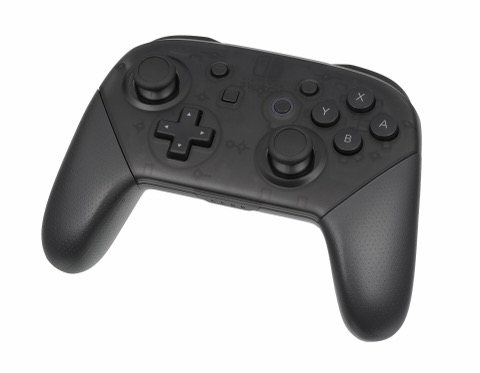 and renders tactical battles at 60 or 120 FPS
 on Windows and Linux.
Ahead-of-time C++ recompilation and CPU-tuned build
Built on nxrecomp and pokopia-recomp (GPL-3.0); Set up compiles fefw.exe locally with FMA3 acceleration on Intel Haswell (2013) / AMD Piledriver (2012)+ or a compatible SSE4.2+POPCNT build for Sandy Bridge and Ivy Bridge (#33).
60 / 120 FPS, 21:9 & 32:9 ultrawide, and native 4K
Runs gameplay at 60 or 120 FPS with an exact game clock (#24, #25), expands 3D battlefields and towns to 21:9 or 32:9 while keeping HUD and menus centered at 16:9 (#10, #40), and supports 4096/8192 shadow maps (#2).
TAAU, NVIDIA DLSS & AMD FSR 3 with UI-clean frame generation
Includes a built-in temporal upscaler (TAAU) plus drop-in support for NVIDIA Streamline DLSS (upscalers\streamline) and AMD FidelityFX FSR 3 (upscalers\fsr) with frame generation that keeps HUD text sharp (#20).
Joy-Con 2 desk mouse, keyboard & wired DualSense / Switch Pro haptics
Maps the PC mouse directly to the game’s native Joy-Con 2 mouse mode for battle map cursors and base cameras, pairs with any SDL3 gamepad or WASD keyboard, and delivers wired HD Rumble via RenHDrum (#95).
Verify your download locally
Drop a ZIP or tar.gz archive to check its SHA-256 in your browser against all 7 fefw-recomp releases and FEFW-60FPS. Nothing leaves your machine.
Measured numbers
Every figure comes directly from the Goldoire/fefw-recomp repository README, release notes, and verified hardware tests.
Required decrypted game update version (exefs+romfs, base+updates, or .nup)
Native FPS modes with exact gameplay clock scaling and VSync-off frame gen
First-visit Dagsion texture preparation time in v0.1.7 (cut from 14–30 s)
VRAM saved on <9 GB cards by the automatic half-size Texture detail setting
Free disk space required alongside 16 GB RAM for local C++ and shader setup
GitHub Release downloads across 7 builds since November 7, 2026
Release highlights & setup
Everything needed to verify v0.1.7, confirm update 131072 dump layout, and finish first-time C++ and shader compilation on Windows or SteamOS.
Controllers for FEFW Recomp
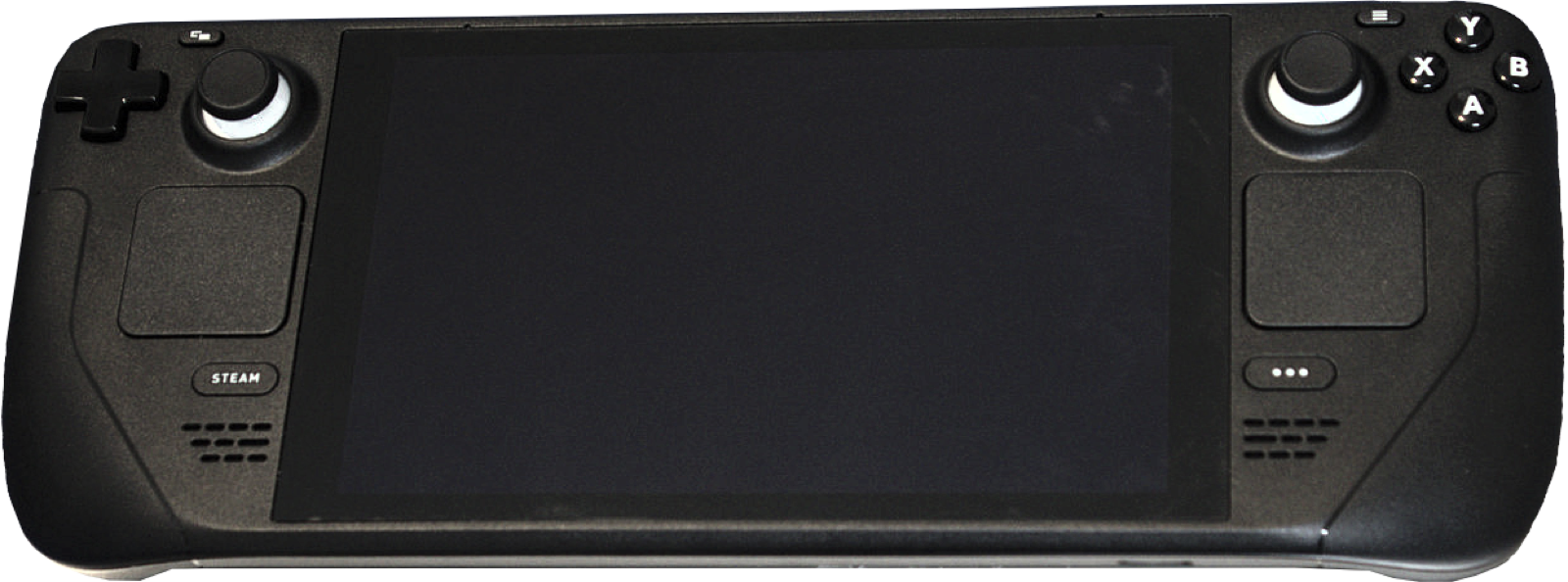
FEFW Recomp uses SDL3 for native gamepad input, dynamic button prompts, face-button layout switching, and wired DualSense / Switch Pro HD Rumble haptics (via RenHDrum in v0.1.7). These controllers pair cleanly on Windows 10/11 and Linux:
| Controller | Best For in FEFW Recomp | Hardware Advantage | Link |
|---|---|---|---|
| Sony DualSense | Wired HD Rumble haptics (v0.1.7) | Supported by F1 > Controls > Haptics (RenHDrum) over USB + crisp D-pad | View on Amazon |
| GameSir Cyclone 2 | Fast tactical grid cursor & bases | TMR sticks, Hall/microswitch triggers, 1000 Hz wireless dongle | View on Amazon |
| 8BitDo Ultimate 2 Wireless | Desktop Windows & SteamOS dock | TMR drift-free sticks, 2.4 GHz charging dock, Switch/XInput toggle | View on Amazon |
| Xbox Wireless Controller | Plug-and-play Windows 10/11 | Native XInput prompts & throttled Bluetooth battle vibration (#26) | View on Amazon |
As an Amazon Associate, this site earns from qualifying purchases.
Common questions
What is FEFW Recomp?
FEFW Recomp (Goldoire/fefw-recomp, GPL-3.0) is an open-source static recompilation of Fire Emblem: Fortune's Weave (Nintendo Switch 2, update 131072) into a native Windows x64 and Linux-compatible PC executable (fefw.exe) that renders with Vulkan 1.3.
Are any game files, ROMs, keys, or NVIDIA/AMD upscaler DLLs included?
No. Neither the upstream repository nor this site distributes any game code, assets, keys, firmware, or proprietary NVIDIA Streamline / AMD FidelityFX DLLs. You must provide your own legally dumped copy of the game at update 131072.
Why does Set up say "These game files are a different version"?
FEFW Recomp specifically targets update 131072 (Title ID 04007EF01F8AE000, main module build ID DB93B0125F485060). A base game dump without update 131072 applied or unpacked in updates\131072\ will be rejected.
How do I enable NVIDIA DLSS or AMD FSR 3 frame generation?
Download the signed DLLs from NVIDIA’s Streamline SDK v2.x into upscalers\streamline or AMD’s FidelityFX SDK (v2.4.0 upscaler + v1.1.4 framegen) into upscalers\fsr next to fefw-launcher.exe, then select them under Settings > Picture and Settings > Frame rate.
Does FEFW Recomp run on Linux and Steam Deck?
Yes. Starting in v0.1.7, upstream ships fefw-recomp-0.1.7-linux-x64.tar.gz (298.0 MB) containing a native fefw-launcher.AppImage that builds the game on Linux and runs it through Steam Proton, umu-run or Wine, complete with an Add to Steam button for Steam Deck Game Mode.
How do RomFS mods and DLC work?
Place dumped DLC inside dlc\<title id>\romfs in your dump folder (or use a .nup containing add-ons). Place RomFS replacement mods in mods\<mod name>\romfs\... next to the launcher. Ahead-of-time compilation means exefs .ips and .pchtxt code patches do not apply, though 60/120 FPS and ultrawide are already built into the runtime.